

Unlimited Free VPN for Global Browsing
Overview
Yoga VPN - Protect Security is a mobile-focused, free proxy-based VPN application developed by Wildlook Tech Pte Ltd. Designed for users seeking basic online privacy and unrestricted web access, it enables IP address masking and rerouting of internet traffic through a network of proxy servers. The software supports both Wi-Fi and cellular connections, making it suitable for on-the-go browsing.
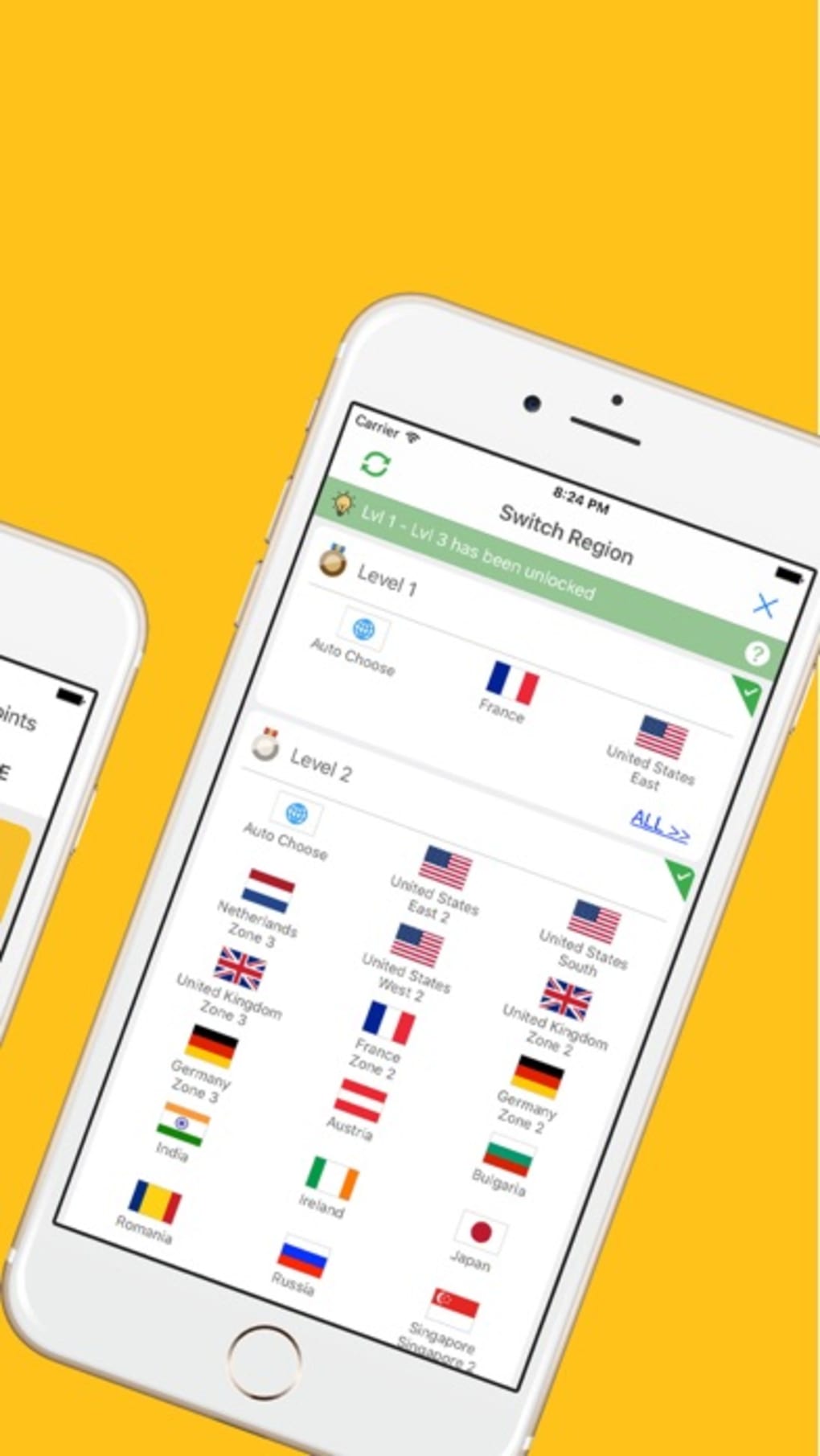
With over 500 proxy servers distributed across 10 global locations, it aims to provide users with options to access geo-restricted content and enhance online security. The service operates without requiring user registration, offering immediate access upon installation. It is intended primarily for individuals who need a lightweight solution for everyday browsing, such as accessing region-locked websites or maintaining privacy on public networks.
While the core functionality is limited to web traffic, the app’s ad-supported model allows for continued use through earned or purchased Yoga Points. The developer did not provide additional details on advanced features or use cases beyond basic browsing.
Key Features & Capabilities
- Unlimited Proxy Access – Offers unrestricted bandwidth for web browsing, enabling continuous use without data caps.
- Global Server Network – Provides access to over 500 proxy servers across 10 international locations, supporting location spoofing and content access.
- Registration-Free Usage – No user accounts or sign-ups required; users can start browsing immediately after installation.
- Ad-Supported Model – Free access is maintained through in-app advertisements, with optional Yoga Points for enhanced functionality.
- Mobile-Optimized Design – Tailored for Android devices, supporting both Wi-Fi and cellular data connections.
These features make Yoga VPN suitable for users who need to bypass regional restrictions for streaming, social media, or news sites. The lack of registration simplifies setup, while unlimited bandwidth ensures consistent performance during extended browsing sessions. Users can earn Yoga Points by watching ads or purchase them to unlock additional server options. However, the app’s focus remains narrow—limited to web traffic routing—making it less effective for app-specific traffic or advanced privacy needs. The absence of encryption details or detailed security protocols was not specified by the developer.
User Interface, Workflow & Performance
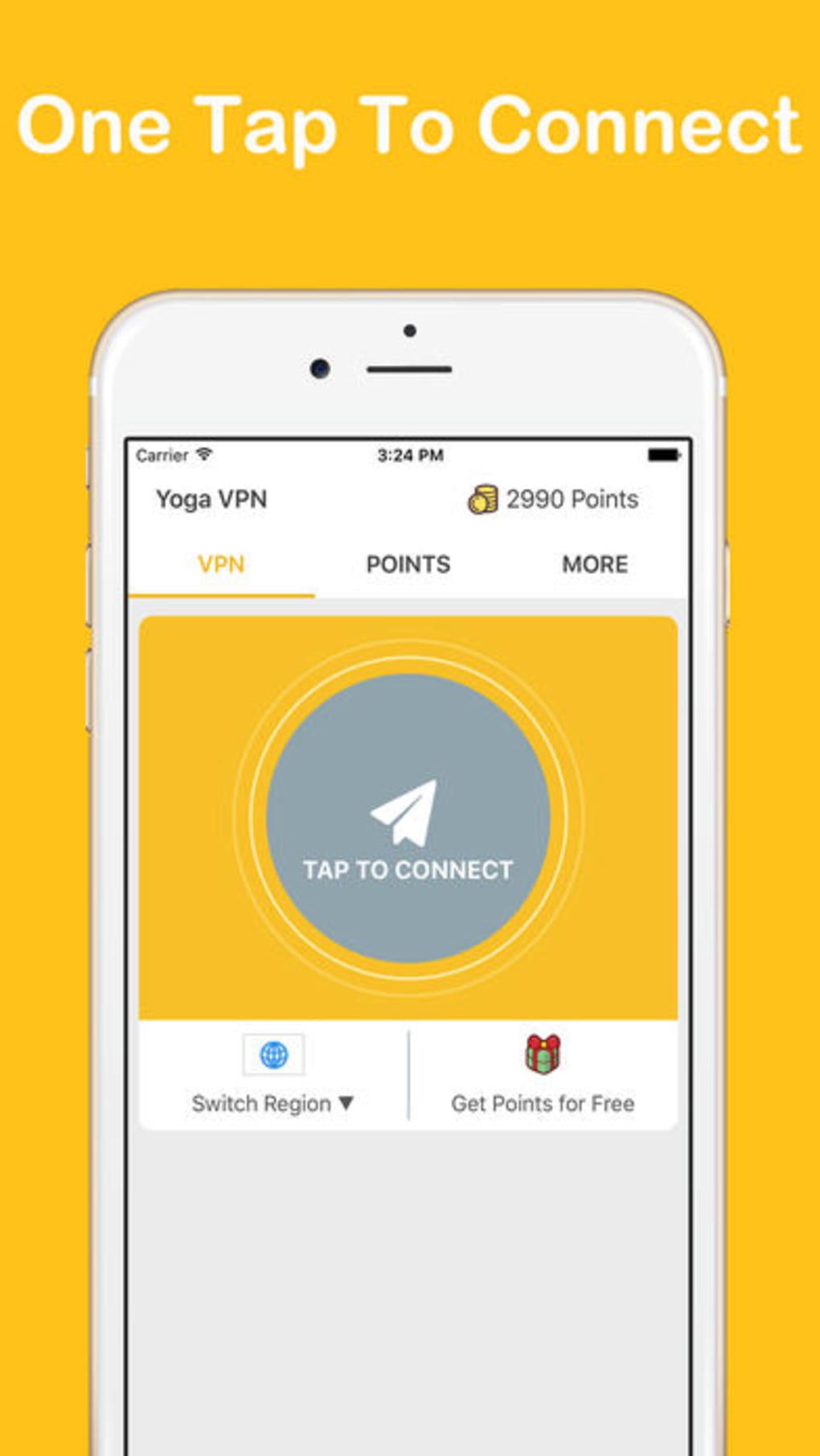
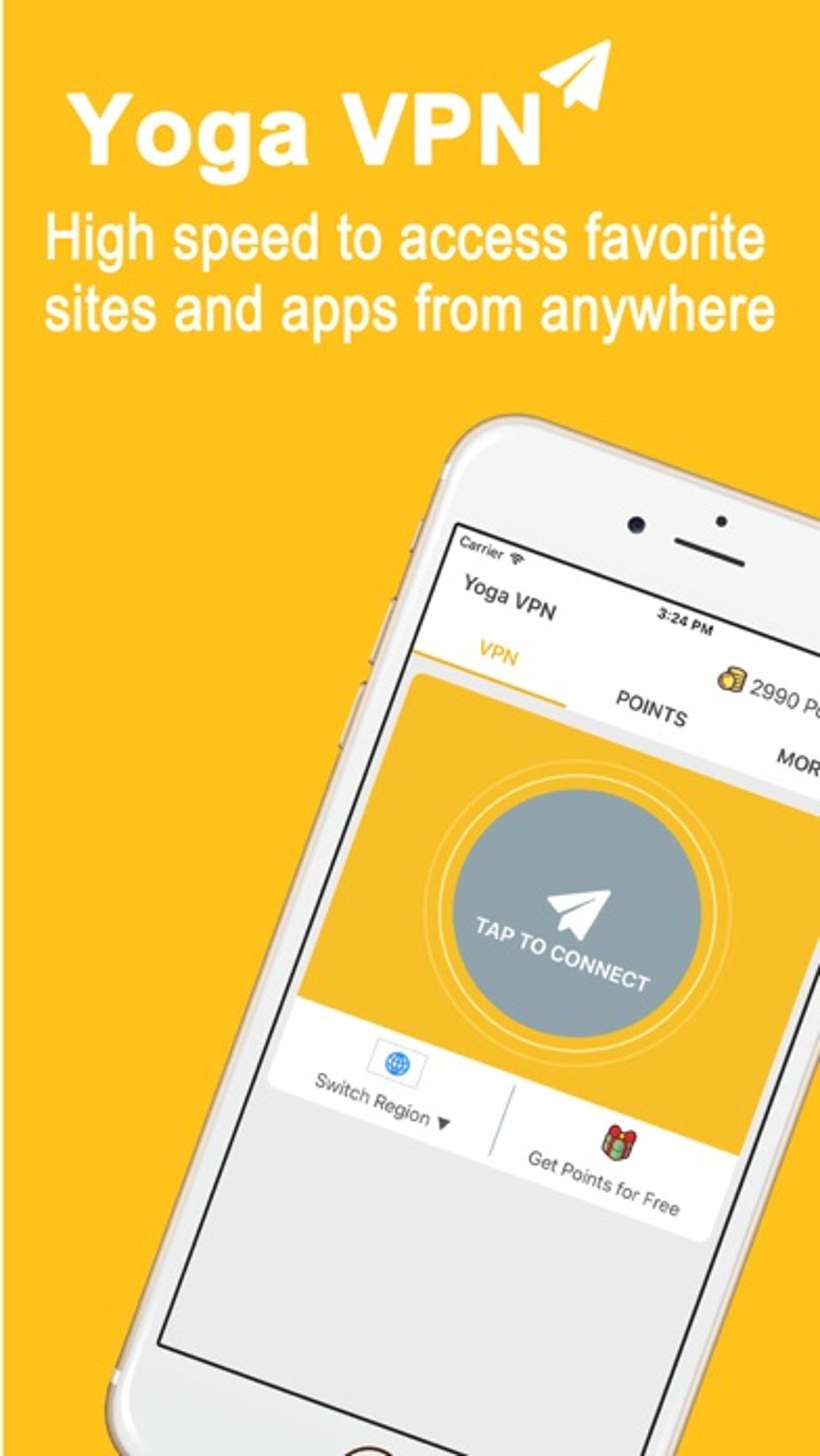
The user interface of Yoga VPN - Protect Security is minimalistic, designed for quick access to core functions. Navigation centers around a single on/off toggle for the proxy connection, with a list of available server locations. The workflow is straightforward: launch the app, select a server, and activate the connection.
This simplicity enhances usability for casual users unfamiliar with advanced networking tools. However, the app does not provide real-time performance metrics such as speed, latency, or data usage. The developer did not specify resource usage details, including CPU or RAM consumption.
Performance observations are based on general software behavior patterns. Connection speeds are described as average, which may affect streaming or high-bandwidth activities. Stability appears consistent for basic browsing, though prolonged use on low-end devices may vary.
The ad-supported model introduces potential interruptions during use, which could impact workflow continuity.
Compatibility & System Requirements
Yoga VPN - Protect Security is designed for Android devices and is compatible with the latest versions of the operating system. The application has a file size of 12.4 MB, making it lightweight and suitable for devices with limited storage. The developer did not specify exact system requirements, including minimum Android version, RAM, or processor specifications.
Compatibility information was partially provided, with no mention of tablet support or older Android versions. Installation is straightforward, and the app functions without additional dependencies. Users should ensure their device meets general Android standards for app installation.
No compatibility issues were reported in the provided information.
Pros and Cons
Pros
- Free to use with no registration required
- Unlimited bandwidth for uninterrupted browsing
- Over 500 proxy servers across 10 global locations
- Lightweight at just 12.4 MB
- Simple, intuitive interface for quick setup
Cons
- Ad-supported model may disrupt user experience
- Limited to web browsing; no app-level traffic routing
- Performance details not publicly disclosed
- Basic feature set with minimal customization options
- No clear information on encryption or data privacy protocols
FAQ Section
Is Yoga VPN compatible with my Android device?
Yoga VPN - Protect Security is designed for Android and supports the latest OS versions. However, exact compatibility details, including minimum Android version, were not provided by the developer.
Is the app safe to use?
The app operates as a proxy-based service and does not disclose encryption methods or privacy policies. Users should exercise caution when transmitting sensitive data through the service.
How do I get Yoga Points?
Yoga Points can be earned by watching in-app advertisements or purchased through optional packs available within the app.
Can I use Yoga VPN offline?
Yoga VPN requires an active internet connection to function. It cannot operate in offline mode.
Does Yoga VPN work on Wi-Fi and cellular data?
Yes, the app supports both Wi-Fi and cellular connections, allowing users to maintain privacy across different network types.
Final Thoughts + CTA
Yoga VPN - Protect Security delivers a no-frills, free solution for users seeking basic web browsing privacy and access to global content. Its unlimited bandwidth, registration-free access, and extensive server network make it a practical choice for casual users. However, its ad-supported model, limited functionality, and lack of transparency around security measures may deter more privacy-conscious individuals.
For those who prioritize simplicity and cost over advanced features, it offers a functional entry point into proxy-based browsing. Keep expectations realistic: it is not a comprehensive security tool. Download Yoga VPN now for unrestricted access to global websites with minimal setup.







